Login website.
Enter your website in the advertising material section. You can see the status of the exam directly there.

You take care of your website. We connect your advertising spaces to the network. You manage the integration and evaluation in the publisher portal.
Enter your website in the advertising material section. You can see the status of the exam directly there.
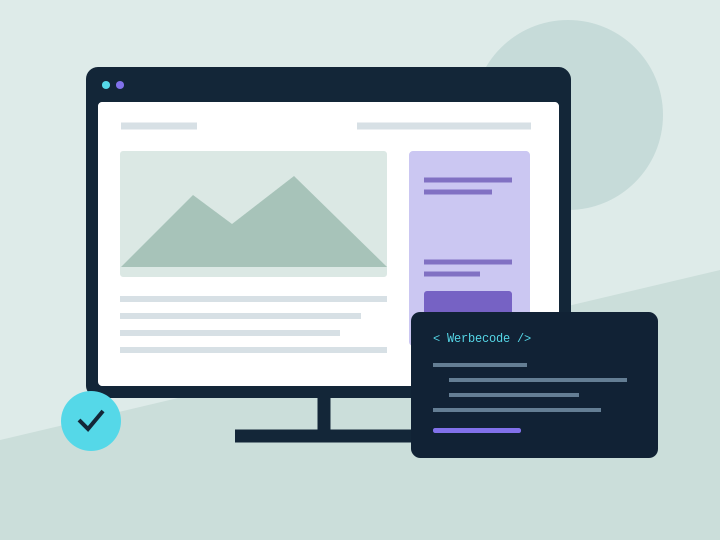
After approval, select the advertising material offered and copy the code into your website.
In the portal you can see the recorded values and request a payout according to the conditions stored.
Advertising materials, website statistics, proof of payment and support are available to you in one account.
Choose a placement that suits your content and mobile usage.
Revenue depends on content, visitors, placement and demand, among other things. There is no blanket income guarantee.
The ticket system in the portal helps with questions about clearance, promotional codes and your account.
Create an account and register your first website in the publisher portal.